 DOTRAMA
How it works
From the hub to your sensors, your local network and updates.
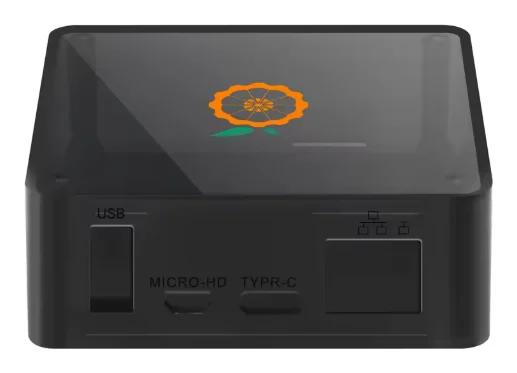
The hub
A small box that plugs into power and your home network. Everything runs on it: the device registry, the floor plan, the measurements, and the interface you use. There is no application server of ours in the middle.
The interface is served by the hub itself. When you open it, you are looking at a machine that sits in your own home.
Sensors over Zigbee
Sensors talk to the hub directly over Zigbee, a short-range radio built for battery-powered devices. They need no Wi-Fi password of their own, and none of them needs an account anywhere.
Pairing starts from whichever screen you have open — the hub's own, your account on this site, or the app: put the hub into search mode, wake the sensor, and it appears in the list. Waking it means pressing the button on the sensor itself, so this is something you do at home, whichever screen you started from.
Your floor plan
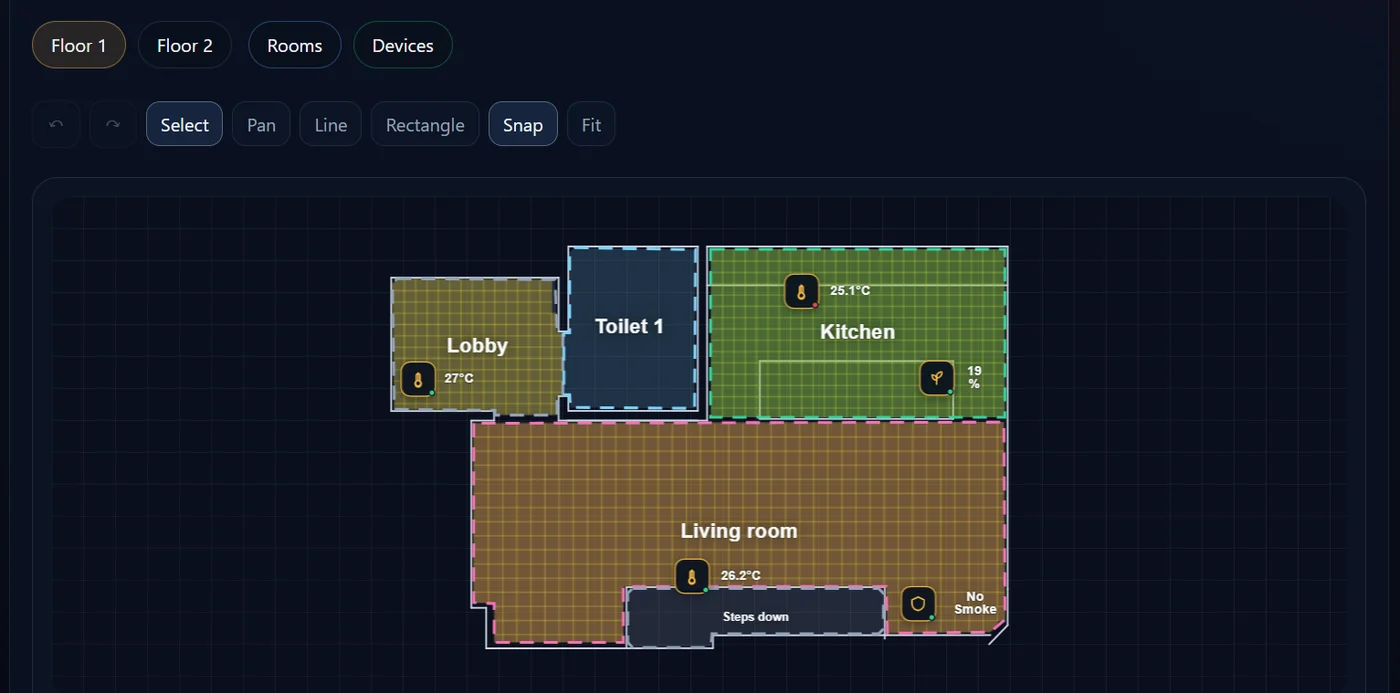
Import the plan of your home as a PDF or a DXF drawing, mark the rooms, and put each device where it physically sits.
That is the whole difference from a list of devices. You stop reading names like sensor_04 and start looking at your home.
What you see
- which windows and doors are open, right now
- temperature and humidity in each room
- light level, where a sensor measures it
- what is drawing power, and how much
- soil moisture for plants that have a sensor
Electricity
Metered sockets record consumption over time. The hub keeps the history and produces a PDF report for the last 24 hours, 7 days, 30 days, or a period you choose.
Nothing has to be replaced to measure an appliance. The socket goes between the wall and the plug that is already there.
Still being built
These are in development. They are not in the product yet, and we would rather say so here than have you find out after buying.
- watching your cameras while you are away: at home they already work
- automatic delivery of updates: today a hub is updated with a file, by hand